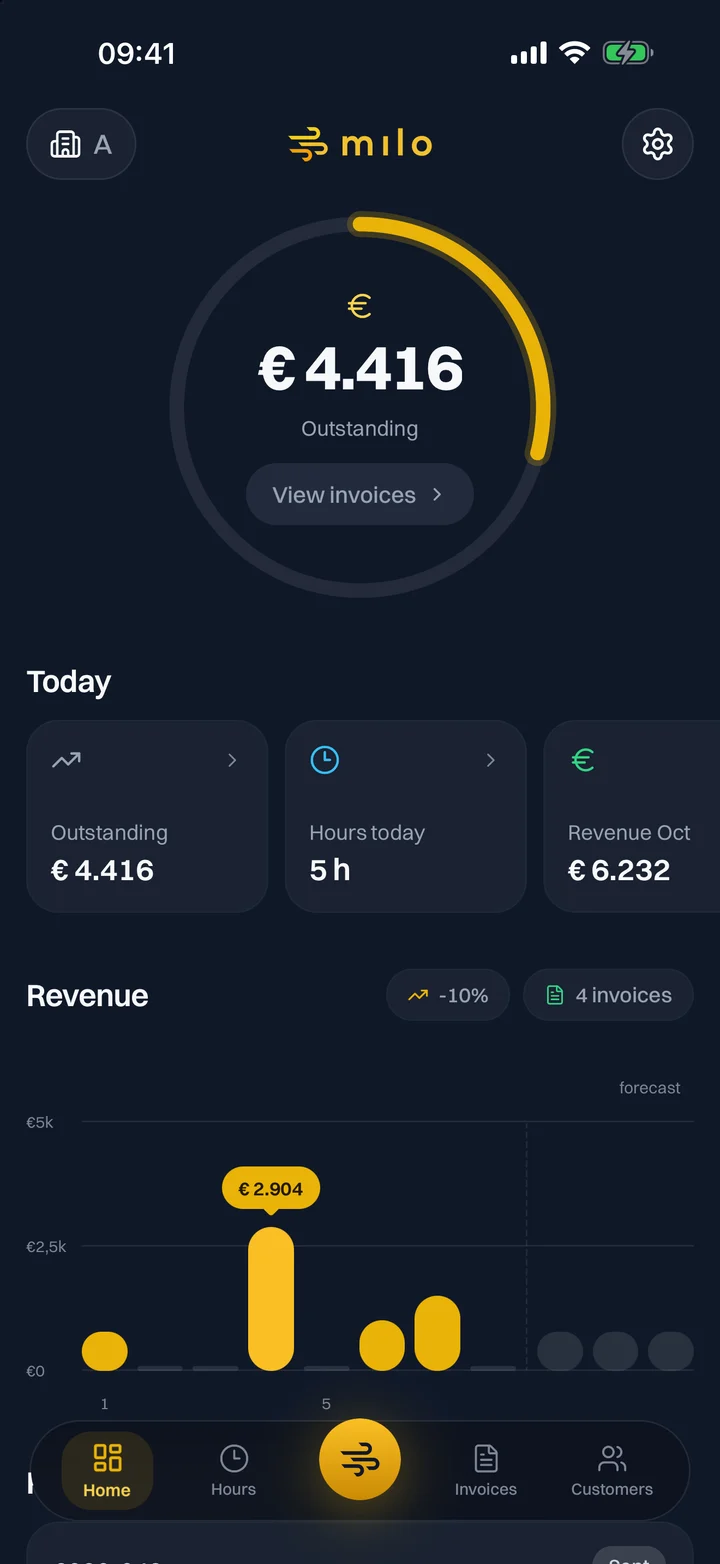
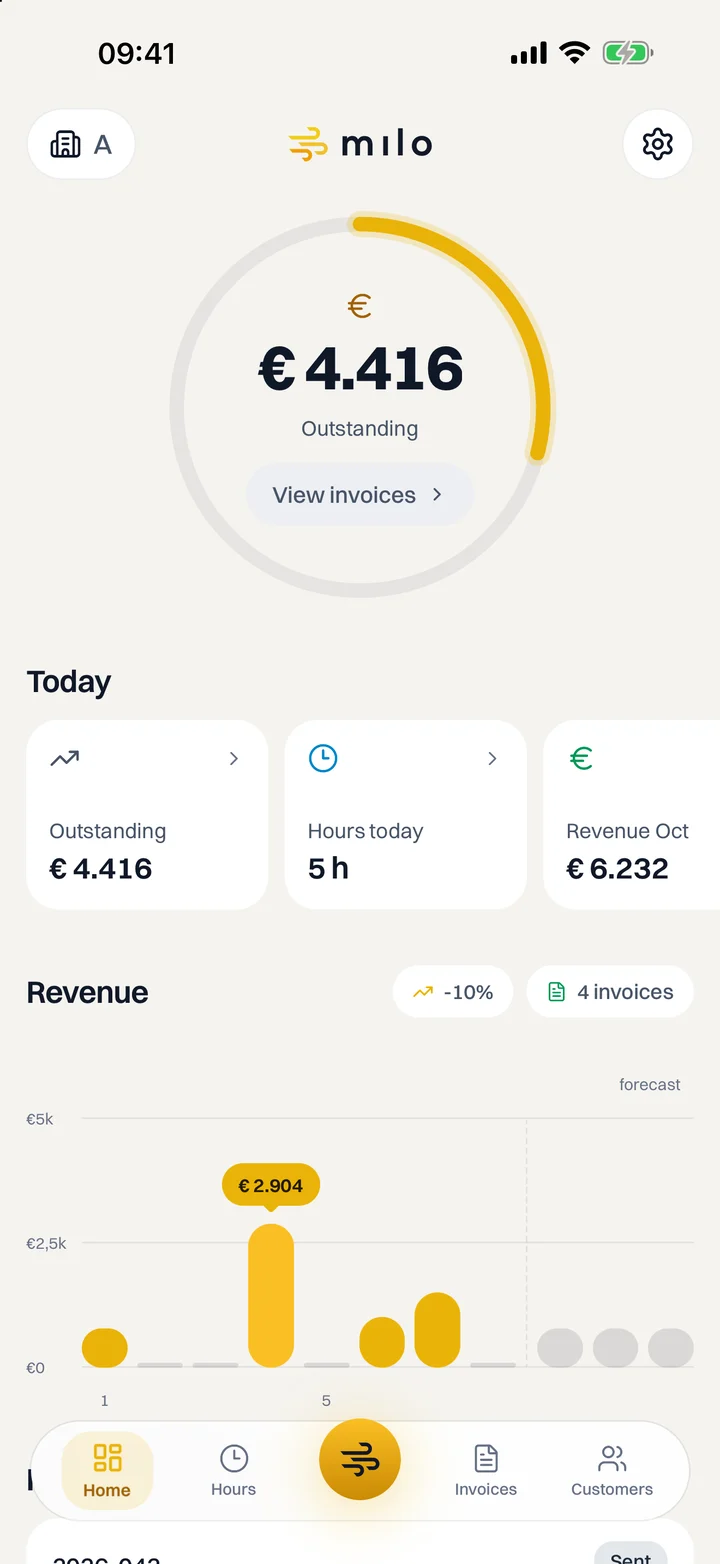
Hours
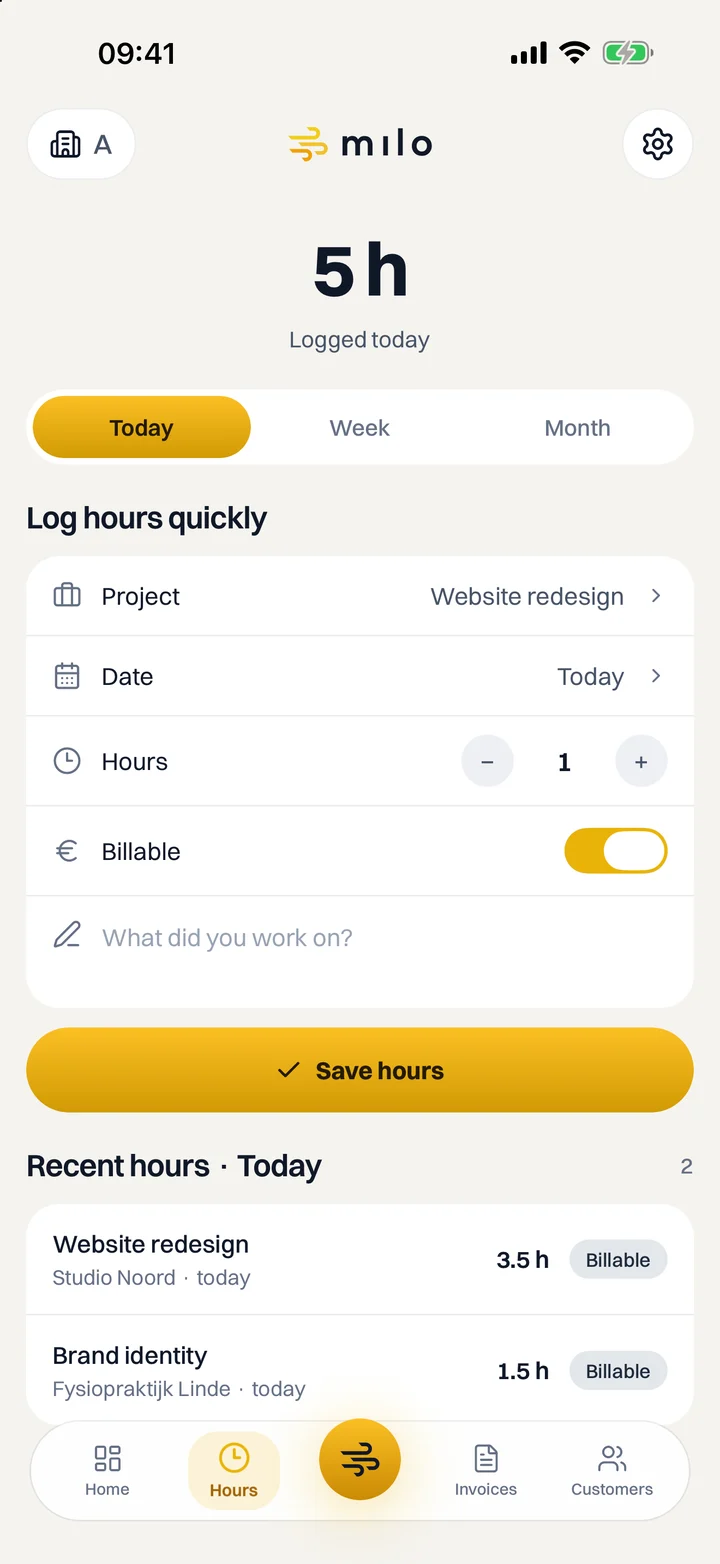
Log hours straight after a job.
Pick the project, the date and the number of hours, switch Billable on or off and note what you worked on. Your hours go straight into your Milo account.
- Today, this week or this month: see what you have logged
- Fix or delete a mistake, as long as the hours have not been invoiced yet
- Then, in Milo web, you put your billable hours on an invoice in one go
Milo assistant
Ask it, or just say it.
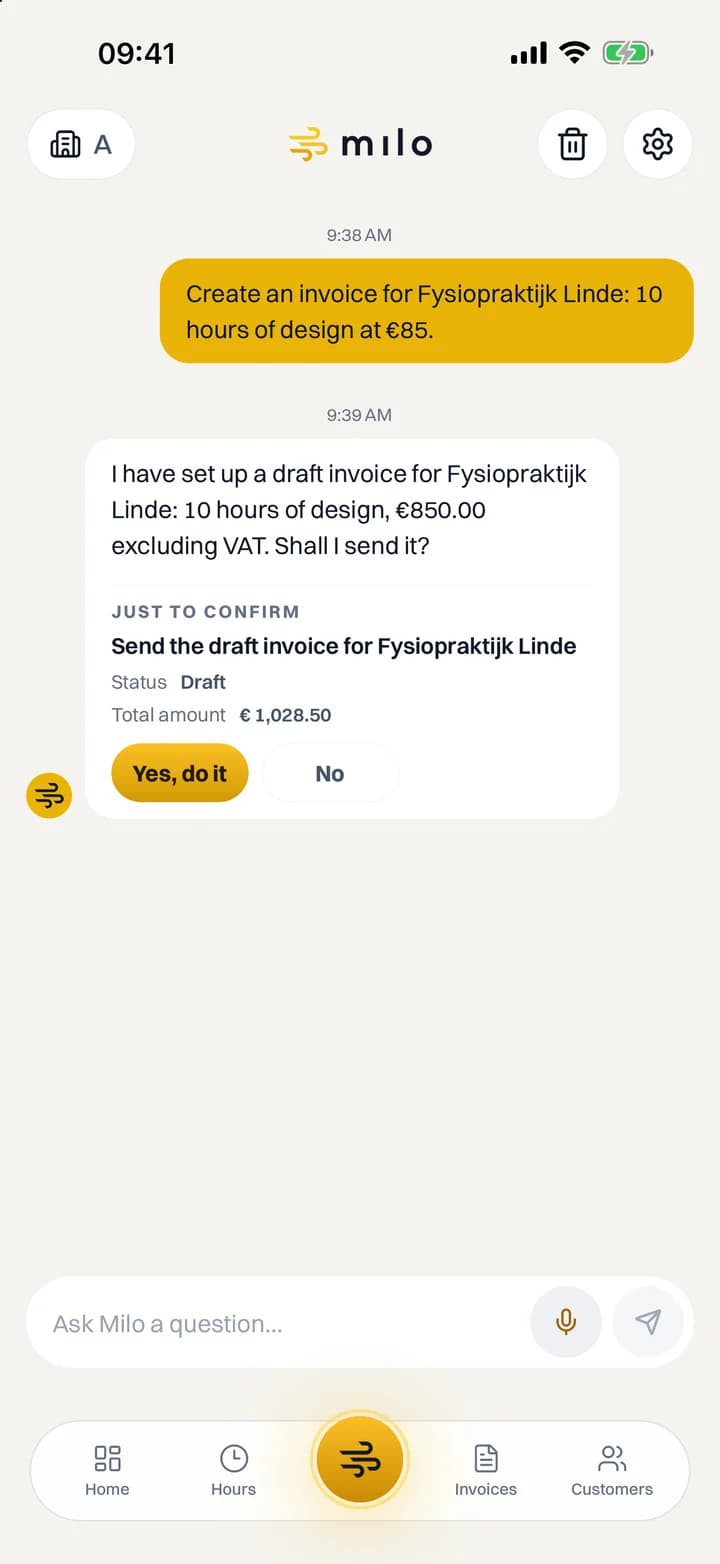
The same assistant as in Milo web. Ask what is outstanding or have a draft invoice prepared. Nothing is sent until you tap Yes, do it.
- Type, or speak with the microphone
- One tap confirms anything that sets things in motion
- Part of Professional, free to try for 60 days
Invoices
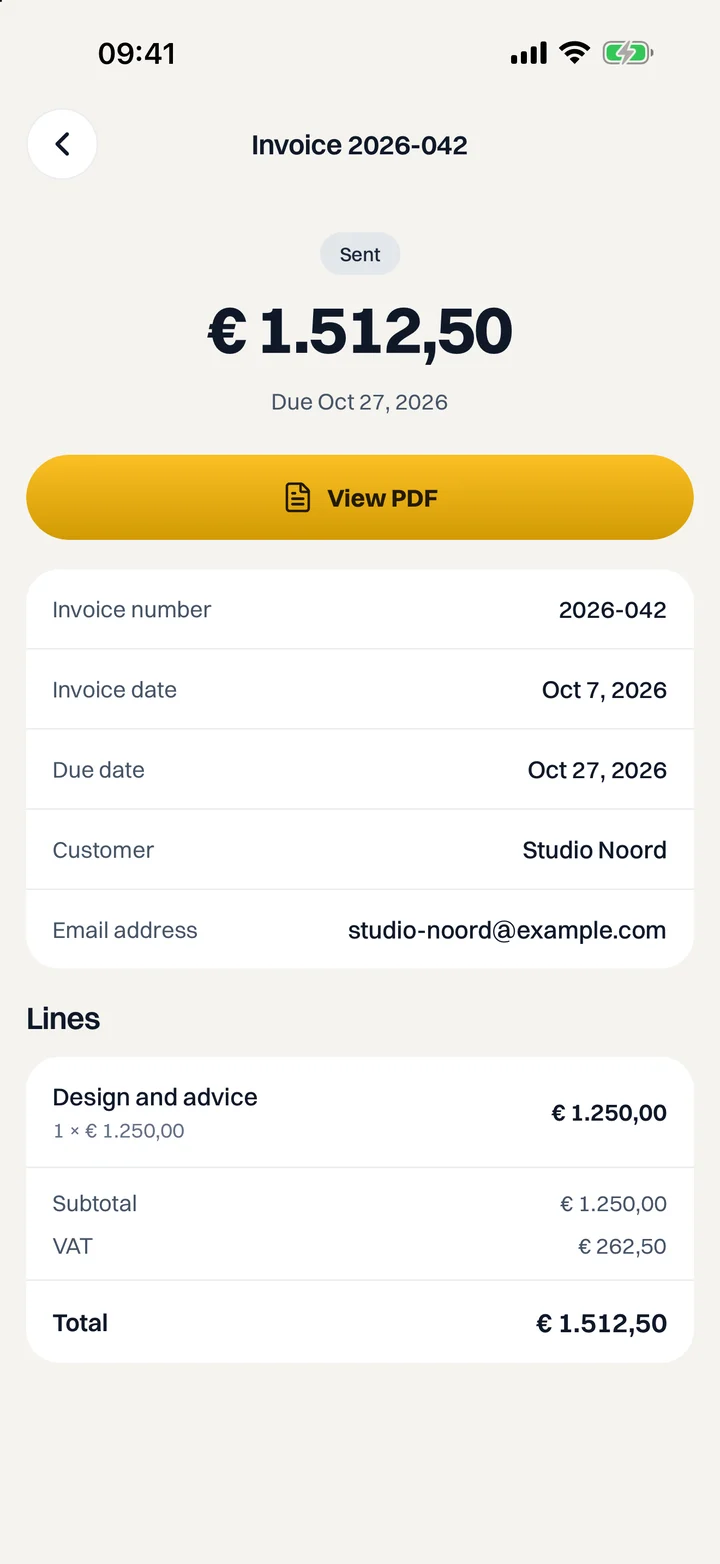
Your invoices and quotes at hand.
Look up an invoice, credit note or quote, view the PDF and share it. Send a draft to your customer, and mark an invoice as paid once it is.
- Search and filter invoices and quotes
- View and share the PDF from your phone
- Send a draft or mark an invoice as paid
And more
Made for on the go.
Customers
Your customer list, with contact details, the outstanding amount and documents for each customer. Call or email with one tap.
Multiple companies
Have more than one company in Milo? Switch between them in the app.
Sign in with a passkey
With the passkey you created in Milo web, or with your password and two-factor authentication.
Face ID and fingerprint
Turn on the lock and the app locks when you leave it for more than 30 seconds. You unlock it with Face ID, your fingerprint or your phone's passcode.
Light and dark
The app follows your phone's theme, or you pick one yourself.
Dutch and English
The app follows the language of your Milo account. You can also choose Dutch or English yourself in the settings.
Availability
Download the Milo app.
Sign in with your Milo account and your records are right at hand.

Looking for it on the App Store? It is listed there as Milo Moves.
Apple, the Apple logo and App Store are trademarks of Apple Inc., registered in the U.S. and other countries. Google Play and the Google Play logo are trademarks of Google LLC.
- Free with every plan
- iPhone with iOS 15.1 or later
- Android 7 or later
- On the App Store in the Netherlands and Belgium
Related features
Works well with this.
Milo assistant
Ask in plain language what is outstanding, log hours or have a draft invoice prepared. In Milo web and WhatsApp (Professional).
See Milo assistant →Time tracking
Track your hours by customer and project and turn them into an invoice with one click.
See Time tracking →Invoicing
Create and send invoices with your own branding, numbering without gaps and a pay button.
See Invoicing →Start with Milo today.
Create your account in Milo web and try Professional free for 60 days. You use the app with the same account.
Questions? Browse the knowledge base or email us.